Free resources for makers
Home / AI for Makers / Photo to Polished Images + Video
{{ counter }}
AI for Makers · Free guide
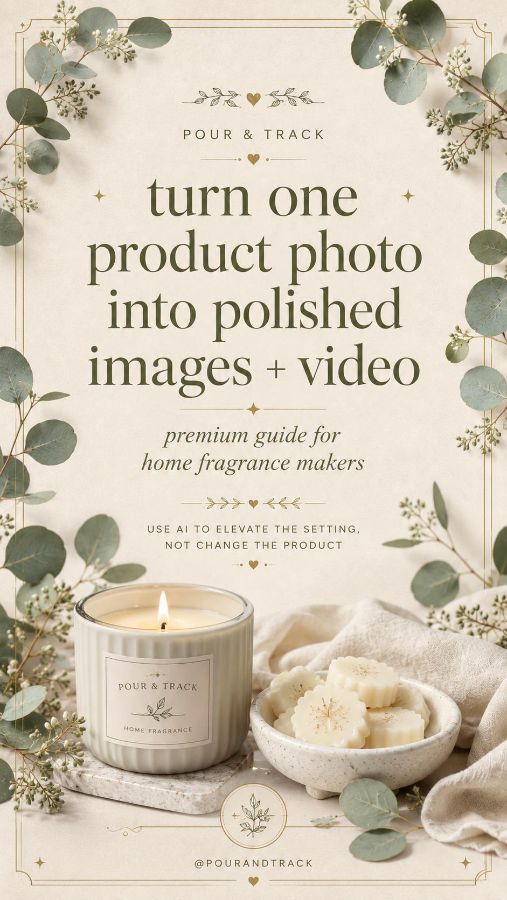
Turn one product photo into polished images + video
Use AI to elevate the setting — not to change the product.
One clear photo of your candle can become a whole set of polished, on-brand images and a short video — without a studio. This guide walks through a simple four-step workflow and the exact prompts to keep your real product looking like itself.
The 4-step workflow
- 1.Take one clear product photo — plain background, good natural light, label readable.
- 2.Remove the background — keep the real product, label, colour and shape unchanged.
- 3.Create a studio-style image — add a warm surface, soft light and subtle styling.
- 4.Turn it into a short video — a gentle, realistic camera push-in that keeps the product the same.
Also inside
- ✦ Copy-and-paste prompts for background, image and video
- ✦ Six style directions, from soft neutral to modern luxury
- ✦ What's good use of AI vs. what to avoid
Elevate, don't invent.
DownloadFree · 10 pages
Tip: always check the latest marketplace rules before uploading AI-generated media.